n8n Automation for Business in India: 14 Workflows Worth Building Before You Hire More Operations Staff
Learn how to self-host, cut per-step SaaS costs, connect WhatsApp and CRMs, and build fail-safe operational pipelines.
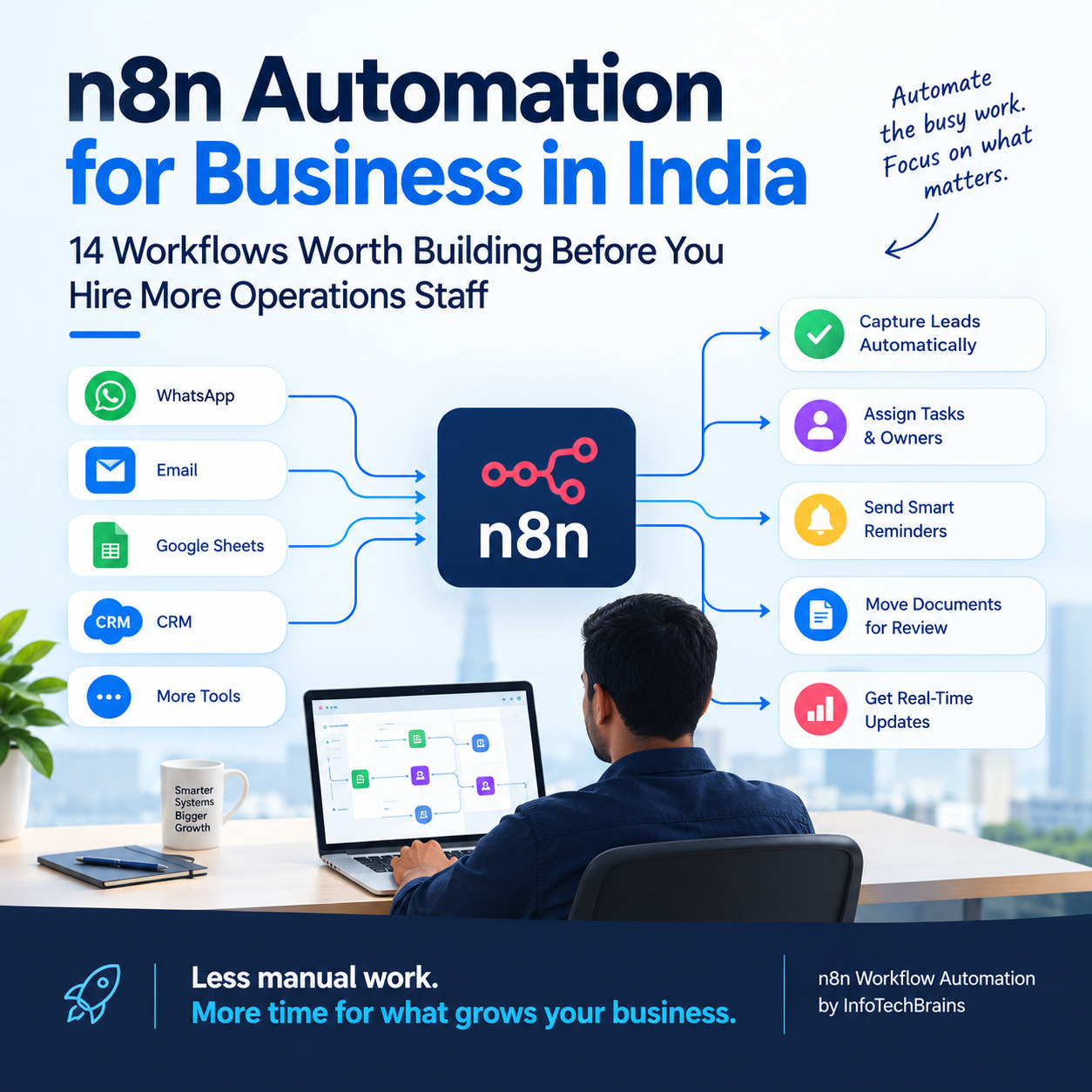
n8n Automation for Business in India: 14 Workflows Worth Building Before You Hire More Operations Staff
Growing businesses often add people to solve coordination problems.
One employee copies website leads into CRM. Another downloads reports. Someone checks payment status and updates a sheet. A coordinator creates folders for new customers. A manager spends time asking whether all of those steps actually happened.
Hiring may be necessary, but adding headcount to repeat predictable digital tasks is often a sign that the workflow should be redesigned first.
n8n is useful in this situation because it can connect applications, APIs, databases and AI models into one workflow. It acts as an orchestration layer: something happens in one system, n8n processes the event, applies rules and triggers the required actions elsewhere.
The biggest benefit is not “no-code.” The biggest benefit is that the business can stop relying on humans to move information between tools.
How an n8n workflow works
Most workflows can be understood in four parts.
First, an event starts the process. This may be a webhook, schedule, new row, email, CRM event or API request.
Second, the workflow prepares the data. It may clean a phone number, look up a customer, transform a date or combine information from several sources.
Third, rules determine what should happen. A high-value lead may follow one path while a support request follows another.
Finally, actions are executed. A CRM record is created, a message is triggered, a file is saved, a report is generated or a database is updated.
Production automation adds one more layer: error handling. A workflow is only truly useful when the business knows what happens if an API is unavailable or a record fails validation.
Workflow 1: Website lead to CRM with zero manual entry
A website form is a perfect automation trigger.
Instead of emailing the submission to sales, the form can send data to an n8n webhook. The workflow validates mandatory fields, checks for an existing contact and creates or updates the CRM record.
The lead can then be assigned according to region or service type. Sales receives an internal alert, and a copy can be written into a Google Sheet for management reporting if required.
The important part is duplicate control. Before creating a new customer, the workflow should check the business’s chosen unique identifier, such as email or phone number.
Workflow 2: Google Sheets to CRM synchronization
Many businesses need Sheets even after implementing CRM because finance, operations or founders prefer spreadsheet views.
n8n can synchronize selected fields between the two systems.
The safe approach is to define which system owns each field. For example, sales stage may be owned by CRM while a finance-only classification is maintained in Sheets.
If both systems are allowed to overwrite the same field without rules, automation will create conflicts instead of reducing work.
Synchronization should therefore be designed around data ownership, not around the idea of copying everything everywhere.
Workflow 3: CRM event to WhatsApp action
A change in CRM can trigger customer communication through an official WhatsApp Business API platform.
For example, when a demo is booked, n8n can send the required customer and meeting information to SyncWABA. When the customer replies, the workflow can notify the assigned salesperson or update the CRM.
This pattern works for appointment confirmations, order updates, payment reminders and selected lead follow-ups.
The CRM remains responsible for business state; the WhatsApp platform handles the conversation channel.
Workflow 4: Incoming email to structured task
Shared email addresses often create hidden manual routing work.
n8n can inspect an incoming message and use rules to decide what it represents. A sales-type message can open a new CRM lead automatically. A support request can create a ticket. A supplier invoice can enter an accounts workflow.
AI can help classify messages when subjects and formats are inconsistent.
However, a fallback queue is important. If the workflow cannot confidently categorize a message, it should send it to a human review list instead of silently making the wrong decision.
Workflow 5: Customer onboarding after a deal is won
Customer onboarding usually involves several departments, which makes it ideal for orchestration.
When a CRM opportunity changes to Won, n8n can create a Drive folder, open a project, notify the delivery team, create onboarding tasks and send the customer a welcome communication.
The workflow can also check whether mandatory sales handover fields are complete before the project is created.
This prevents operations from receiving a customer with missing requirements and then going back to sales for information.
Workflow 6: Daily exception report for founders
A founder does not need another dashboard containing hundreds of numbers. A better automation sends the small list of things that require attention.
Every morning, n8n can query CRM, Sheets and other systems and produce an exception report.
The report might show qualified leads with no next action, invoices overdue beyond a threshold, projects that missed a milestone, failed automations or stock items below minimum quantity.
This is more useful than a standard report because it is designed around decisions.
Workflow 7: Automated document creation and storage
Business processes frequently create repetitive files: proposals, certificates, onboarding packs, internal forms or service reports.
An n8n workflow can collect the data, call a document-generation service or Google Workspace process, store the finished file and write the link back to the source system.
Naming conventions and folder structure can also be automated.
This reduces the number of documents called “final-final-v2.pdf” scattered across employee desktops.
Workflow 8: Payment status and collection workflow
Accounts teams often work across payment gateways, accounting software, bank information and customer sheets.
n8n can pull or receive payment events, match them to internal records and update status.
If an invoice remains unpaid, the workflow can create an internal follow-up task or pass approved data to a customer communication system.
Important financial updates should include validation rules so a failed match does not mark the wrong invoice as paid.
Workflow 9: Inventory and reorder alerts
When stock data is available through ERP, database or Sheets, n8n can monitor thresholds and create purchase or notification workflows.
A basic version flags low-stock items. A more useful version checks pending orders before deciding whether the item truly needs attention.
For manufacturing, material shortages can also be tied to planned production so the purchase team sees which work orders are at risk.
The workflow should support operations, not attempt to replace proper inventory controls when the business has outgrown spreadsheets.
Workflow 10: Lead enrichment before sales outreach
Salespeople often begin with only a name, company and email.
n8n can take the available company information and query approved data sources or internal systems for useful context. The result may be company size, industry, website or previous interaction history.
The enriched fields can be stored in CRM before the salesperson starts outreach.
The workflow should respect the terms and privacy rules of any external data source. Automation is not a license to collect personal data indiscriminately.
Workflow 11: AI conversation summary for human handoff
One of the most practical AI uses is summarization.
Suppose a prospect has exchanged twenty WhatsApp or support messages. Before handing the case to a salesperson or senior support agent, n8n can send the conversation to an AI model with a tightly defined instruction.
The output can summarize the requirement, previous attempts, unanswered questions and requested next step.
The human receives context in seconds.
This is safer and more useful than allowing AI to take unrestricted actions across systems.
Workflow 12: AI document extraction with review
Invoices, application forms and vendor documents often arrive in unstructured formats.
A workflow can extract text, ask an AI model to return structured fields and compare those fields against required rules.
If confidence is low or an important value is missing, the record goes to a human review queue.
The crucial design choice is not to treat AI extraction as automatically correct, especially for financial or legally important information.
Human validation should be part of the workflow where mistakes carry real cost.
Workflow 13: Employee onboarding checklist
HR onboarding requires repeated coordination across people, files and permissions.
A new-joiner record can trigger task creation for HR, IT and the reporting manager. Folders can be created, welcome material sent and required documents tracked.
Sensitive employee data should only be passed to systems that genuinely need it.
The workflow should use minimal access and clear ownership so automation does not become a privacy risk.
Workflow 14: API bridge for custom and legacy software
Many Indian businesses have older software that still performs one important function but does not integrate with modern tools.
If the legacy system exposes an API or database connection, n8n can often act as a bridge.
A new order from a modern web application can be pushed into the old system, while status updates can be pulled back for customer communication or reporting.
This allows a company to modernize gradually instead of replacing every application in one risky project.
n8n versus Google Apps Script
Both tools can automate business work, but they are strongest in different situations.
Google Apps Script is excellent when the workflow lives mainly inside Sheets, Drive, Gmail, Docs, Forms and Calendar.
n8n becomes attractive when several external systems need to be orchestrated, APIs need to be chained together or the company wants a central place to monitor cross-application workflows.
The two can work together. Apps Script can handle spreadsheet-specific logic while n8n manages the broader process.
n8n versus custom backend development
Because n8n is flexible, teams sometimes try to use it for everything.
That is a mistake.
A workflow engine is ideal for orchestration. It is not always the best place for complex product logic, high-volume transactional processing or a public application that requires carefully controlled performance and permissions.
A strong architecture uses n8n for what it does well and custom software for what should live in application code.
The right question is not “Can this be built in n8n?” The right question is “Will this be reliable and maintainable in n8n one year from now?”
What makes an automation production-ready
A workflow that runs once in a demo is not production-ready.
Business automation needs secure credential storage, clear error handling, logs, retries and alerts when important steps fail.
Actions that create money, orders, contacts or documents should be designed so a retry does not create duplicates.
If the workflow depends on an external API, rate limits and outages must be considered.
Documentation is also important. Another engineer should be able to understand what the workflow does, what data it expects and how to recover from common failures.
Self-hosting: control comes with responsibility
One attraction of n8n is the option to run it on infrastructure the business controls.
That can be valuable for organizations with specific architecture or data-control requirements.
But self-hosting also creates responsibilities: security updates, backups, monitoring, database maintenance, uptime, certificates and disaster recovery.
A business should choose self-hosting because it supports an operational requirement, not simply because the software can be installed on a server.
How to identify your best first n8n workflow
Look for work where employees repeatedly copy information between systems.
A strong candidate happens frequently, follows clear rules and has a measurable cost in time or delay.
Lead creation is often a better first project than an ambitious autonomous AI agent because the expected behavior is clear and easy to test.
After the first workflow is stable, build reusable patterns for authentication, logging, error alerts and configuration. That makes later automation faster and safer.
Common implementation mistakes
One large workflow with fifty unrelated branches becomes difficult to maintain. Break major processes into smaller reusable components.
Avoid hard-coding email addresses, IDs and thresholds across many nodes. Use centralized configuration.
Do not ignore failure paths. Every critical workflow should answer the question, “How will we know this did not work?”
Do not add AI where normal rules are sufficient.
And do not create automation without a business owner. Technology teams can maintain the workflow, but someone in the business must own the process and decide when rules change.
How InfoTechBrains can use n8n in a wider automation stack
InfoTechBrains builds custom software, CRM, ERP, Google Sheets automation and AI integrations for businesses that need connected systems rather than isolated tools.
n8n can act as the integration layer between those systems. A typical project may connect a website, CRM, SyncWABA, Sheets, email, databases and internal APIs.
The implementation starts with process mapping: trigger, required data, owner, rule, action, exception and audit requirement.
Once that map is clear, the team can decide which steps belong in n8n and which should remain in the source application or a custom backend.
Frequently asked questions
What is n8n used for in business?
It is used to connect applications and automate multi-step processes such as lead management, reporting, onboarding, document handling, customer communication and API synchronization.
Can n8n connect Google Sheets and CRM?
Yes. A workflow can read or update Sheet data and synchronize selected fields with CRM through available integrations or APIs.
Can n8n be used with WhatsApp?
Yes. It can connect business events with an official WhatsApp Business API platform such as SyncWABA, provided the workflow follows the platform’s messaging requirements.
Is n8n suitable for AI agents?
It can orchestrate AI-assisted workflows, but business-critical actions should have clear permissions, validation and human review where necessary.
Is self-hosted n8n free from maintenance?
No. Self-hosting gives more control, but the business becomes responsible for infrastructure, updates, security, backups and monitoring.
Conclusion
The strongest n8n projects are rarely the most flashy. They are the ones that quietly remove hundreds of small handoffs from daily operations.
A lead appears in CRM without manual entry. A customer handover creates the right tasks. A founder receives exceptions instead of asking for reports. A salesperson gets context before a call. A document moves through review without someone forwarding it three times.
Those improvements compound.
If your team is spending hours moving data between Sheets, CRM, WhatsApp, email and internal tools, InfoTechBrains can help map the workflow and build an n8n automation architecture that is reliable enough for real business use.
About the author
InfoTechBrains Team
Technology expert focused on software architecture, automation, and digital transformation.
View profile & all posts →