A Complete Guide to ERP Implementation: What to Expect.
Learn everything you need to know about ERP implementation. This comprehensive guide covers the process, challenges, and key expectations to ensure a successful rollout and maximize your investment.
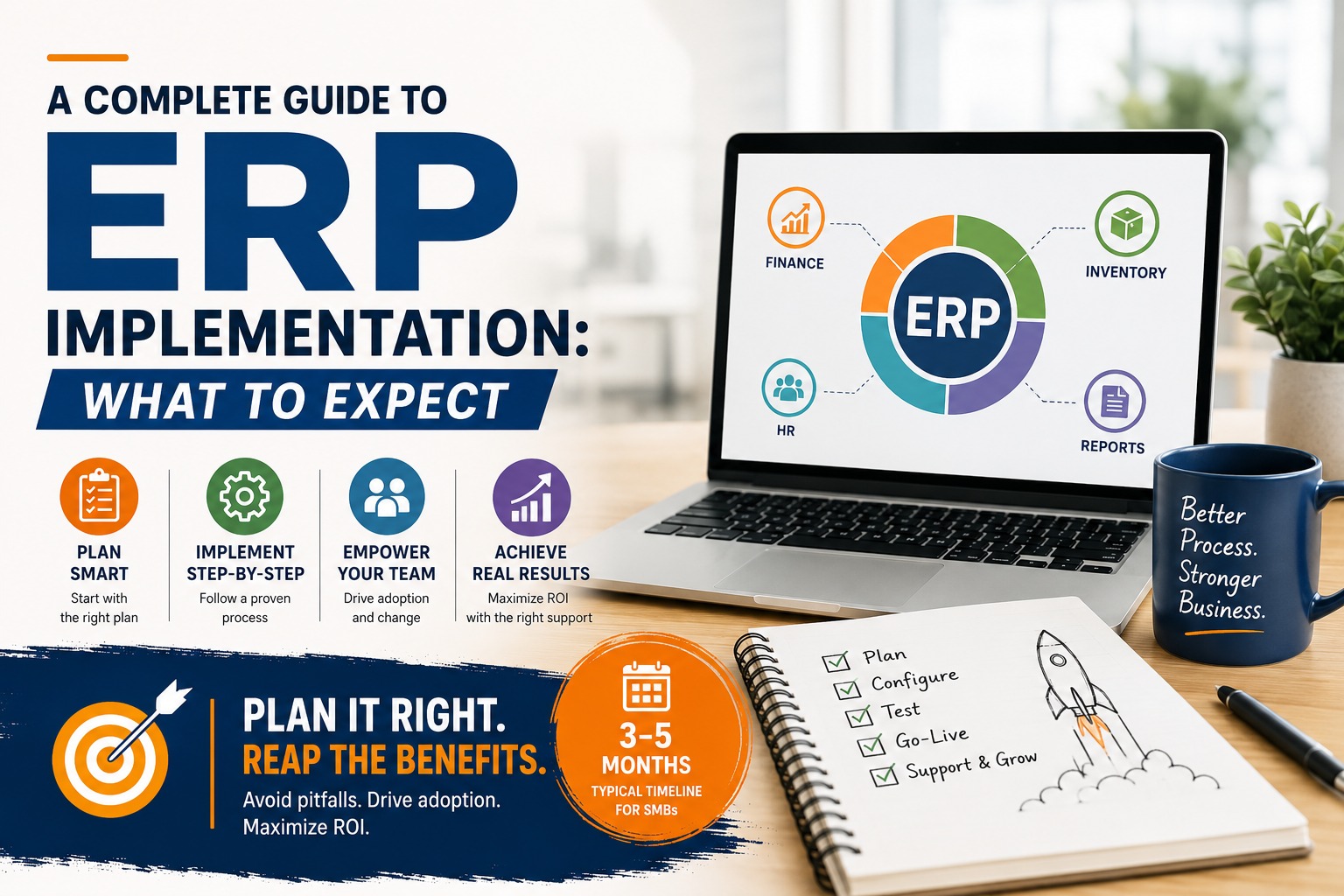
A Complete Guide to ERP Implementation:
What to Expect
ERP implementation has a reputation problem. Ask around and you'll hear horror stories projects that ran twice as long as promised, staff who quietly reverted to their old spreadsheets within weeks of go-live, six-figure investments that never delivered the promised efficiency. Most of these stories share a common root cause: not bad software, but an under-planned implementation.
The good news is that ERP implementation, done properly, is a well-understood, predictable process. The businesses that get it right aren't lucky they simply follow a disciplined sequence of preparation, phased rollout, and follow-through that most failed implementations skip. This guide walks through exactly what to expect at each stage, so you can plan realistically and avoid becoming another cautionary tale.
Pre-Implementation Checklist
The work that happens before a single module is configured determines more about the success of your ERP rollout than almost anything that happens after. Rushing this stage is the single most common reason implementations struggle. Think of it as the equivalent of a building's foundation invisible once construction is complete, but the single biggest determinant of whether everything above it stays standing.
• Document your current workflows in detail not how you think things work, but how they actually work day-to-day, including the informal workarounds your team relies on
• Identify your three to five biggest operational pain points, ranked by business impact, so the rollout prioritizes what matters most
• Assign a project owner from within your business someone with authority and time, not just an interested bystander
• Audit your existing data for accuracy and completeness before migration, since "garbage in, garbage out" applies just as much to ERP as anything else
• Set clear, measurable success criteria upfront faster month-end close, fewer stockouts, reduced reconciliation time so you can objectively judge whether the rollout worked
• Communicate the change to your team early, explaining the "why" before the "how," to reduce resistance later
|
Why This Step Gets Skipped Most businesses rush pre-implementation because they're eager to see results. But the two to four weeks spent here typically save two to three times that amount in avoided rework and confusion later in the project. |
Timeline & Phases
A realistic ERP implementation for a mid-sized Indian SMB unfolds across four distinct phases. Timelines shift with complexity, but this gives a grounded, honest expectation rather than an optimistic sales pitch.
|
Phase |
Typical Duration |
Key Activities |
|
Discovery & Planning |
2-4 weeks |
Workflow mapping, requirement gathering, success metrics defined |
|
Configuration & Build |
4-8 weeks |
Module setup, custom workflows, user roles and permissions |
|
Data Migration & Testing |
2-4 weeks |
Cleaning and moving historical data, parallel testing against live operations |
|
Go-Live & Stabilization |
4-6 weeks |
Phased department rollout, active monitoring, rapid issue resolution |
In total, plan for a 3 to 5 month window from kickoff to a fully stable rollout. Businesses that try to compress this timeline dramatically going live company-wide in a matter of days tend to see the highest rates of staff resistance and post-launch chaos, simply because there wasn't enough time for the team to genuinely adapt.
Common Pitfalls
Most failed or painful ERP implementations trace back to a small set of recurring mistakes. Knowing them in advance is often enough to avoid them entirely.
Trying to Customize Everything
Over-customizing every workflow to match old habits instead of adopting proven standard processes where your business isn't genuinely unique inflates cost and timeline while making future upgrades harder. Reserve customization for the handful of processes where your business truly differs from the norm.
Skipping the Parallel Run
Switching off old systems before the new one has been fully validated is one of the fastest ways to create a crisis. A proper parallel run, even for just a few weeks, catches issues while there's still a safety net.
Underestimating Training Time
A single training session, followed by "figure it out as you go," leaves staff reverting to familiar spreadsheets the moment something feels unfamiliar. Ongoing, hands-on support in the weeks after go-live matters as much as the initial training itself.
No Clear Project Owner
Without someone internally accountable for driving the rollout, decisions stall, questions go unanswered, and the vendor ends up making calls that should involve the business. A dedicated project owner keeps momentum and ensures the system reflects real business needs.
Ignoring Early Warning Signs
When staff start quietly maintaining "backup" spreadsheets alongside the new ERP, that's a signal something isn't working as intended a workflow gap, a training gap, or a trust gap. Addressing this immediately prevents it from becoming permanent shadow-IT.
Choosing a Vendor Based on Price Alone
The cheapest quote is rarely the cheapest outcome. Vendors who underbid an implementation often compensate with thinner discovery, less customization support, or minimal post-launch help costs that resurface later as delays, workarounds, or a second implementation attempt. Evaluating a vendor's implementation methodology and support commitment matters as much as the license or build cost itself.
Change Management
ERP implementation is as much a people project as it is a technology project. The software can be perfectly configured and still fail if your team doesn't genuinely adopt it — which is exactly why change management deserves its own dedicated focus, budget, and timeline, rather than being treated as a footnote to the technical rollout.
Explain the "Why" Before the "What"
Staff are far more likely to embrace a new system when they understand the specific problems it solves for them personally less manual data entry, fewer end-of-day reconciliation headaches rather than being told simply that "management has decided to switch systems."
Involve Frontline Staff Early
The people who will use the system daily often spot practical issues that leadership and vendors miss. Involving them in testing and feedback before go-live builds both a better system and genuine buy-in.
Identify and Empower Champions
In most teams, a handful of staff naturally pick up new systems faster than others. Identifying these early and positioning them as go-to resources for their colleagues accelerates adoption far more effectively than relying solely on formal training sessions.
|
InfoTechBrains Approach We build change management into every ERP rollout as a structured workstream, not an afterthought including staff communication templates, champion identification, and a defined feedback loop during the stabilization phase. |
Post-Launch Support
The weeks and months immediately after go-live determine whether an ERP rollout truly succeeds or slowly gets abandoned in favor of old habits. Post-launch support isn't optional — it's where the investment either gets locked in or quietly erodes.
• Active monitoring for the first 4-6 weeks to catch and resolve issues before they become entrenched workarounds
• A clear escalation path for staff who hit problems, so small confusions don't snowball into system abandonment
• Scheduled check-ins at 30, 60, and 90 days to review whether the original success metrics are being met
• Periodic refresher training as new features are adopted or new staff join the team
• A defined process for requesting further customization as your business evolves beyond the original scope
A textile trading firm in Surat that InfoTechBrains worked with initially treated their ERP go-live as the finish line only to find staff drifting back to familiar Excel habits within six weeks, quietly maintaining shadow spreadsheets "just in case." A structured 90-day post-launch support plan, with weekly check-ins and a clear channel for raising issues, reversed that drift entirely.
|
90 days Recommended active post-launch support window |
3x Higher adoption with structured follow-up |
Zero Shadow spreadsheets after structured support (Surat case) |
The clearest signal that an ERP implementation has genuinely succeeded isn't the go-live date it's finding, three months later, that your team reaches for the ERP by default, without a second thought, because it has become simply how the business runs. Getting there isn't about luck or a particularly polished piece of software; it's about respecting each phase of this process the planning, the realistic timeline, the awareness of common pitfalls, the deliberate change management, and the follow-through after launch as equally important parts of a single connected effort.
|
Planning an ERP Rollout? Get It Right the First Time. InfoTechBrains guides Indian SMBs through every phase of ERP implementation from pre-launch planning to post-launch support so you avoid the pitfalls that derail so many rollouts. Call / WhatsApp: +91 84594 18970 Visit: https://infotechbrains.com/ |
About the author

Aman Gupta
Founder & CEO at InfoTechBrains, helping SMEs scale and reduce manual work with AI, automation and custom software.
View LinkedIn ProfileView profile & all posts →